Notifications
Stay informed about your collection, marketplace activity, social interactions, and account with customizable notifications. RTC Collector supports email notifications, in-app notifications, and push notifications on mobile devices.
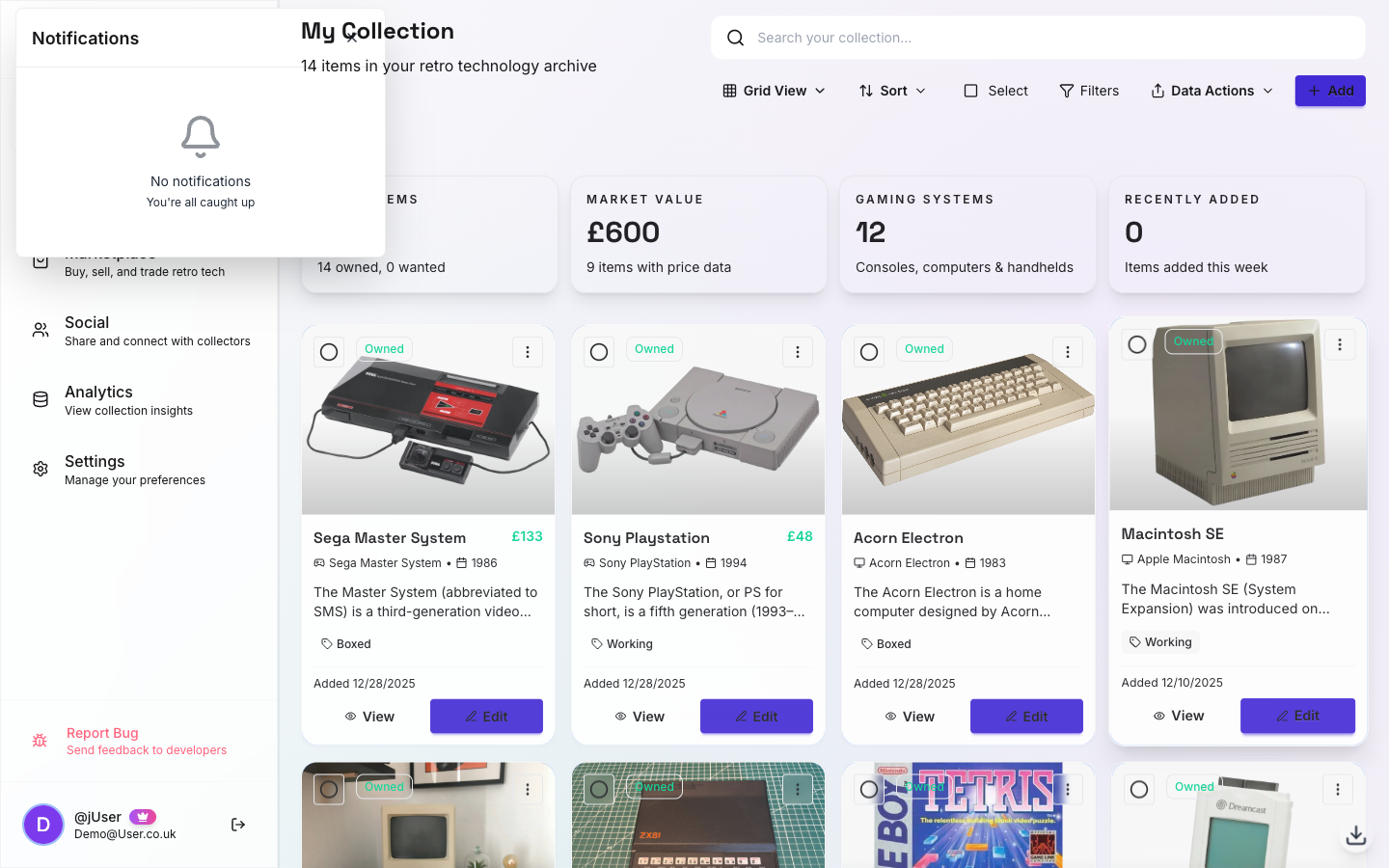
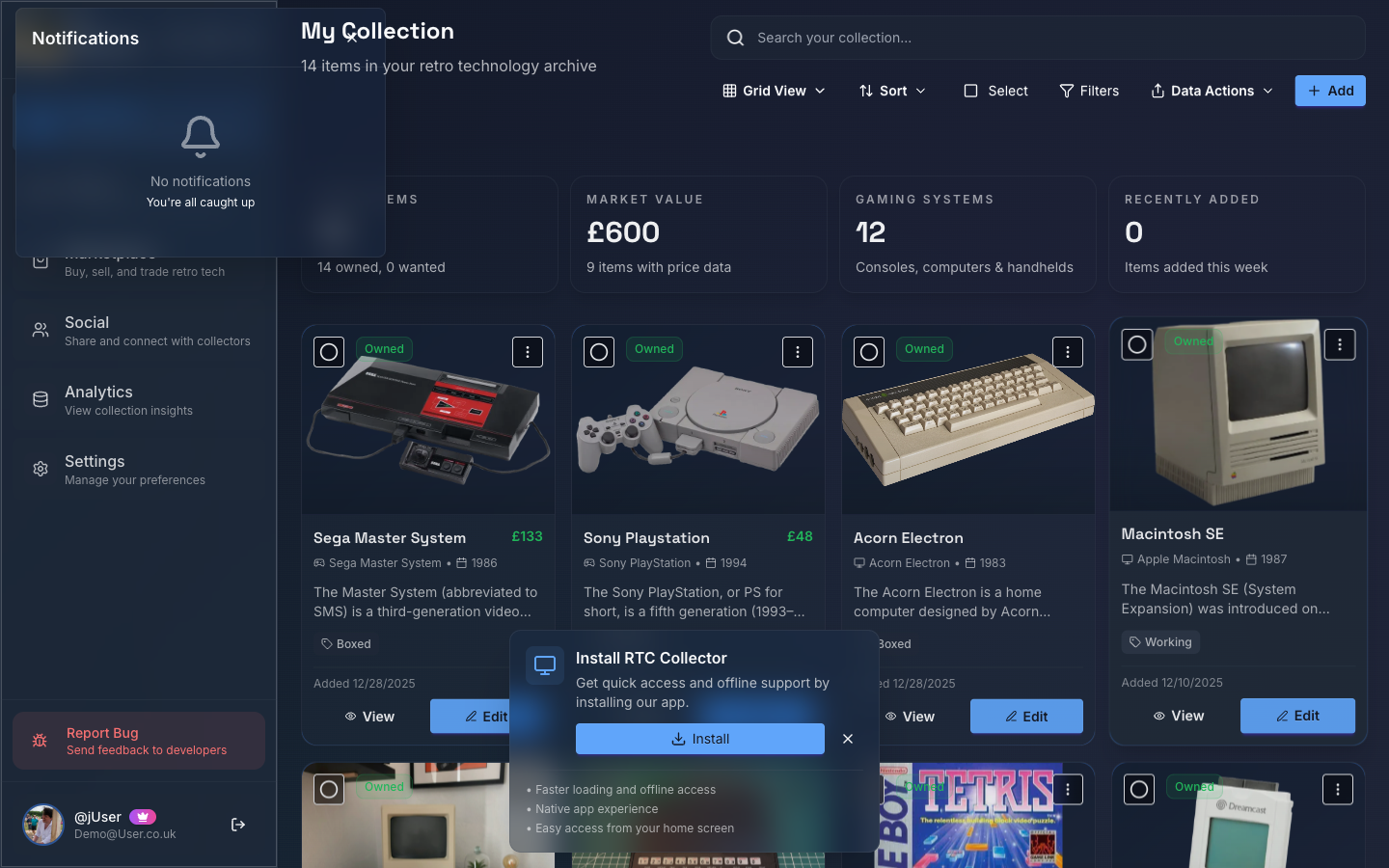
In-App Notification Centre
Tap the notification bell in the header to view your notifications:
- Desktop: Opens a dropdown panel with your recent notifications
- Mobile: Opens as a full-screen panel for easier reading and interaction
- Unread count badge shows on the bell icon
- Mark all as read button clears all notifications in a single action
- Delete buttons are always visible (not hidden behind hover) for quick cleanup
- Tap any notification to navigate to the relevant content
Toast Notifications
Real-time notifications appear as toast messages:
- Mobile: Toasts appear top-centre with full width for better visibility
- Swipe-to-dismiss: Swipe a toast away to close it
- Progress bar: Auto-dismissing toasts show a countdown progress bar
- Screen reader support: Toasts use
aria-livefor screen reader announcements
Types of Notifications
Marketplace Notifications
Offers on Your Listings:
- Someone makes an offer
- Counter-offer received
- Offer accepted
- Offer declined
Transaction Updates:
- Payment received
- Item marked as shipped
- Tracking updated
- Item delivered
- Buyer confirmed receipt
Sales & Purchases:
- Item sold
- Purchase confirmed
- Refund processed
Messaging Notifications
New Messages:
- Pre-purchase questions
- Transaction messages
- Message replies
Conversation Updates:
- New conversation started
- Long conversation inactive reminder
Social Notifications
Social Feed:
- Someone liked your post
- Someone commented on your post
- Someone mentioned you in a post or comment
- Someone tagged your collection item in a post
- A hashtag you follow has new posts
Follow Activity:
- New follower
- Follow request received (private accounts)
- Follow request accepted
Friend Requests:
- New friend request received
- Friend request accepted
- Friend request declined
Friend Activity:
- Friend added new item
- Friend achieved milestone
- Friend sent you a message
Account & Security
Security Alerts:
- Login from new device
- Login from new location
- Password changed
- 2FA enabled/disabled
- Payment method updated
Account Updates:
- Email verification required
- Email address changed
- Username changed
- Account limits reached
Subscription & Billing
Payment Notifications:
- Subscription renewed
- Payment failed
- Trial ending soon
- Subscription cancelled
Usage Alerts:
- Approaching item limit
- Storage limit reached
- Feature limit notifications
Notification Preferences
Email Frequency
Control how often you receive emails:
Instant: Email sent immediately when event occurs Daily Digest: One email per day summarizing all events Weekly Digest: One email per week Off: No emails for this event type
Configure per event type in Settings → Notifications.
Managing Preferences
- Go to Settings → Notifications
- Choose frequency for each notification type
- Save preferences
Changes take effect immediately.
Notification Categories
Transactional Emails: Cannot be disabled (order confirmations, shipping updates, security alerts)
Marketing Emails: Optional, can opt-out:
- Product updates
- Feature announcements
- Tips and tricks
- Newsletter
Unsubscribing
From Individual Emails
Click Unsubscribe at the bottom of any marketing email to opt-out of that category.
From All Marketing
- Go to Settings → Notifications
- Scroll to Marketing Preferences
- Uncheck all marketing categories
- Save
Note: You'll still receive transactional emails (order confirmations, etc.).
Email Content
What's Included
Emails contain:
- Clear subject line describing the event
- Summary of what happened
- Relevant details (item name, offer amount, etc.)
- Direct link to take action
- Timestamp
- Footer with unsubscribe option
Email Security
- All emails from
[email protected] - DKIM and SPF configured
- Never ask for passwords or sensitive info
- Links go to rtccollector.com only
Suspicious emails? Forward to [email protected]
Digest Emails
Daily Digest
Sent at 9 AM your local time if there's activity:
- Summary of the day's events
- Grouped by category
- Quick links to relevant pages
- Unread message count
- Pending offers summary
Weekly Digest
Sent Monday mornings:
- Week's highlights
- Collection stats (items added, total value)
- Marketplace summary (listings, sales)
- Friend activity
- Tips and feature highlights
Push Notifications
Web Push (PWA)
Enable browser push notifications to receive alerts even when the app isn't in focus:
- Go to Settings → Notifications → Push Notifications
- Click Enable Push Notifications
- Allow your browser to send notifications when prompted
- Configure which notification types trigger push alerts
Push notifications are secured with VAPID keys and encrypted payloads.
Native Push (Mobile Apps)
If you're using the native Android or iOS app:
- Android: Push notifications via Firebase Cloud Messaging (FCM)
- iOS: Push notifications via Apple Push Notification service (APNs)
Native push notifications work even when the app is closed and appear in your device's notification centre.
Push vs. Email
Push Notifications: Instant, appear on device, good for urgent items Email Notifications: Detailed, permanent record, good for reference
You can enable both or choose one. Configure separately in Settings → Notifications.
Troubleshooting
Not Receiving Emails
Check Spam Folder: Our emails might be filtered as spam
Whitelist Our Address: Add [email protected] to contacts
Check Settings: Verify notifications are enabled for that event type
Email Deliverability: Some email providers block automated emails - try a different email address
Too Many Emails
Switch to Digest: Change frequency from Instant to Daily or Weekly
Disable Unnecessary Categories: Turn off notifications you don't need
Marketing Only: Unsubscribe from marketing emails, keep transactional ones
Digest Not Arriving
Check Day/Time: Digests sent only if there's activity Timezone: Daily digest time based on your account timezone Spam Filter: Check spam folder
Email Preferences Best Practices
Instant for Important:
- Offers on high-value items
- Payment received
- Security alerts
Daily Digest for Moderate:
- Friend requests
- New messages
- General marketplace activity
Weekly Digest for FYI:
- Friend activity
- Collection stats
- Feature updates
Off for Noise:
- Events you check in-app frequently
- Categories that don't apply to you
Future Email Features
Coming soon:
- Custom email templates
- More granular controls
- SMS notifications (opt-in)
- Slack/Discord integration for teams
Questions?
For email notification questions:
- Check Settings → Notifications
- Email [email protected]
- See Settings & Privacy